How to Avoid Email Phishing: Lessons From a Real Attack

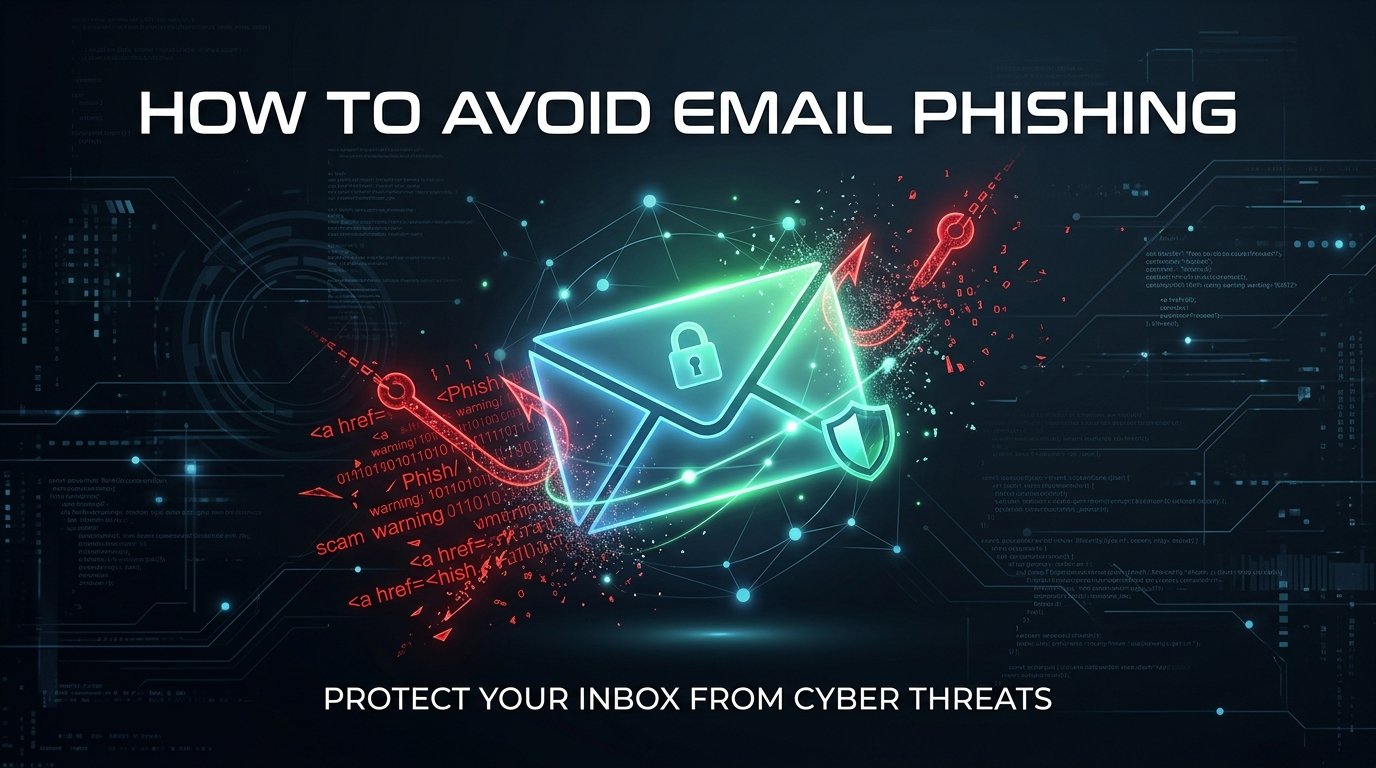
Table of Contents
A man with no hacking skills, no malware, and no stolen passwords once convinced two of the biggest tech companies on Earth to wire him more than $120 million. He didn't break into a single server. He just wrote convincing emails and waited.
If Google and Facebook — companies with entire security teams and unlimited budgets — can lose that kind of money to a phishing email, the rest of us need to pay attention. The good news is that once you understand how phishing actually works, it becomes a lot easier to spot and a lot harder to fall for. That's what this post is about: how a real phishing attack unfolded, why smart people still fall for it, and exactly how to avoid email phishing without needing any technical background at all.
What Just Happened? Inside the $120 Million Email Scam
Between 2013 and 2015, a Lithuanian man named Evaldas Rimasauskas ran one of the most successful phishing operations in history — and he didn't need a single line of malicious code to do it.
Rimasauskas registered and incorporated a company in Latvia that carried the exact same name as an Asian-based computer hardware manufacturer that regularly did business with both companies. That manufacturer, later confirmed to be Taiwan's Quanta Computer, was a real vendor that both Google and Facebook trusted and paid on a regular basis. Rimasauskas built his fake version of that company almost like a prop in a play — real-looking, but hollow underneath.
Once the fake company existed, the emails started. Fraudulent phishing emails were sent to employees and agents of both companies, directing them to send money the companies already owed the real manufacturer to the fraudster's accounts in Latvia and Cyprus instead. To make everything look legitimate, he also produced forged invoices, contracts, and letters that appeared to be signed by real executives, complete with fake corporate stamps bearing the victim companies' names.
It worked. Over two years, the scheme tricked the two companies into transferring a combined total of more than $120 million. Reporting at the time indicated the split was roughly $99 million from Facebook and $23 million from Google.
Eventually, someone noticed. Google has stated that it detected the fraud internally and promptly alerted authorities. Rimasauskas was arrested by Lithuanian authorities in 2017 and extradited to the United States, where he later pleaded guilty and was sentenced to five years in prison, along with an order to forfeit nearly $49.7 million and pay restitution of more than $26 million. Both companies say they eventually recovered most of what they lost.
Here's the part worth sitting with: nobody hacked anything. No firewall was breached, no software was exploited. A person read an email, believed it, and clicked "approve payment." That's the entire attack surface of phishing — human trust, not broken code.
How Email Phishing Actually Works
Strip away the technical language and phishing is really just a con game wearing an email address. Almost every phishing attempt, from a billion-dollar scam to the one sitting in your inbox right now, follows the same basic pattern.
First, the attacker picks a trusted identity to impersonate — a bank, a delivery company, a vendor, sometimes even a coworker. Second, they create urgency. Phishing emails almost never say "whenever you get a chance." They say "immediately," "within 24 hours," or "your account will be suspended." Panic makes people skip the part of their brain that double-checks things. Third, they ask for something specific: a password, a wire transfer, a click on a link that leads to a fake login page. And fourth, they make the whole thing look just real enough — a familiar logo, a formal tone, a name you recognize — to survive a quick glance.
Security professionals sometimes call the workplace version of this "business email compromise," which is exactly what happened to Google and Facebook. But the mechanics are identical whether the target is a multinational corporation or someone checking email on their phone during lunch.
A Smaller, More Common Version of the Same Trick
Not every phishing story involves nine-figure sums. In my work reviewing scam cases and helping people who've been targeted, the everyday version usually looks a lot more ordinary — and that's exactly what makes it dangerous.
Picture a small online seller who gets an email that looks like it's from PayPal. The logo is right. The formatting is right. It says her account has been limited due to "unusual activity" and includes a button to "Verify Now." She's busy, she relies on that account for income, and for a second her stomach drops.
But she pauses. She looks at the sender's actual email address instead of just the display name, and it reads something like paypal-secure-verification.com — not paypal.com. She hovers over the button without clicking, and the link preview shows a completely different, unfamiliar domain. She closes the email, opens PayPal directly by typing the address herself, and finds nothing wrong with her account at all.
Nothing dramatic happened in that story — which is exactly the point. The scam was stopped by ten seconds of pausing, not by any special technical skill. That gap between "urgent-feeling email" and "instant click" is the single most valuable habit anyone can build against phishing.
The Red Flags That Give Phishing Emails Away
Phishing emails almost always leave fingerprints, once you know where to look.
Start with the sender's address, not just the name shown on screen. A message can say "Amazon" at the top and still come from a domain that has nothing to do with Amazon. Next, look at the tone. Legitimate companies rarely threaten to close your account within hours — that kind of pressure is a manufactured emergency designed to stop you from thinking clearly. Generic greetings like "Dear Customer" instead of your actual name are another common tell, since real companies you have an account with usually know who you are.
Links deserve their own moment of suspicion. On a computer, hovering over a link (without clicking) shows the real destination in the corner of the browser. On a phone, a long press on the link often does the same thing. If the visible text says "PayPal.com" but the actual destination is something else entirely, that's the scam, not a formatting glitch.
Pro Tip: If an email creates urgency and asks you to click something or send money, treat those two signals together as a red flag by default. Legitimate urgent requests from real institutions almost always have a way to verify them independently — through an app, a phone number on the back of your card, or a website you type in yourself. Check out our list of 10 red flags of online scams.
Attachments are worth the same caution, especially unexpected invoices, shipping labels, or "voice message" files from senders you don't recognize.
How to Avoid Email Phishing: Step-by-Step
Avoiding phishing isn't about becoming a security expert. It's about building a few small habits that make the con harder to pull off.
The first and most powerful habit is verifying independently. If an email claims to be from your bank, your delivery service, or your workplace, don't use any link or phone number inside that email. Open a new browser tab, type the company's address yourself, or call the number printed on your card or a past statement. Scammers can fake an email perfectly, but they can't fake the website you already know how to reach on your own.
Second, slow down on purpose. Phishing depends on speed — the whole design of an urgent, scary email is to get you to react before you think. Reading an unexpected message twice, especially one asking for money or login details, costs almost nothing and blocks most attacks outright.
Third, turn on two-factor authentication everywhere it's offered, especially for email, banking, and payment accounts. Even if a password does get stolen through a fake login page, a second verification step often stops the attacker from getting in.
Fourth, keep a healthy suspicion of any message that combines "urgent" with "click here" or "send payment." That combination shows up in almost every phishing email ever written, from small-time scams to the $120 million case above. Compare these tactics with our guide to common phone call scams to see how scams operate across channels.
Finally, if you run a business or handle payments for one, put a simple rule in place: no change to a vendor's bank account details is accepted from an email alone. Confirm it by phone, using a number you already have on file — not one included in the request. That single rule would have stopped the Google and Facebook scam before a single dollar moved.
What to Do If You Already Clicked
If you've clicked a phishing link or entered information on a fake page, the goal is speed, not panic.
Change the password for that account immediately, and change it anywhere else you reused the same one. If you entered banking details, call your bank directly using the number on your card and let them know what happened — they can watch for or block suspicious transactions. Turn on two-factor authentication if it isn't already active. If the email came through a work account, report it to your IT or security team right away; the earlier they know, the faster they can protect coworkers who may have received the same message. And if money was actually sent, contact your bank and file a report with your local cybercrime authority as soon as possible — recovery windows for wire transfers are often measured in hours, not days.
There's no shame in getting caught by a good phishing email. Some of the most well-funded companies in the world have been fooled by one. What matters is how quickly you respond once you notice. Be sure to understand how modern trust-based social engineering works in our study of romance scam identity concealment.
Key Takeaways
Phishing succeeds by exploiting trust and urgency, not by breaking through technology. The same basic trick — a fake identity, a manufactured emergency, and a request for money or credentials — worked on a global tech giant and works just as easily on an individual checking email during a coffee break. Learning how to avoid email phishing really comes down to a few repeatable habits: verify independently, slow down before clicking, enable two-factor authentication, and never trust payment instructions that arrive only by email. None of that requires technical expertise. It just requires the pause that far too many people skip.
Frequently Asked Questions
What is email phishing?
Email phishing is a scam where someone impersonates a trusted person or company through email to trick the recipient into clicking a malicious link, sharing personal information, or sending money. It relies on deception and urgency rather than hacking or technical exploits.
How can I tell if an email is a phishing attempt?
Check the sender's actual email address rather than the display name, look for urgent or threatening language, and hover over links before clicking to see where they really lead. Generic greetings, unexpected attachments, and requests for passwords or payments are also common warning signs.
What should I do if I already clicked a phishing link?
Change your password immediately, especially if you entered it on the linked page, and update it anywhere else you reused it. Enable two-factor authentication, contact your bank if financial details were involved, and report the incident to your IT team or local cybercrime authority.
Can phishing emails really trick big companies?
Yes. Between 2013 and 2015, a scammer used fake invoices and phishing emails to trick Google and Facebook into wiring him over $120 million by impersonating a real vendor both companies trusted. No hacking was involved — just convincing emails and forged documents.
Is it worth reporting a phishing email even if I didn't fall for it?
Yes. Reporting phishing emails to your email provider, workplace IT team, or a local cybercrime reporting center helps get the sender blocked faster and can prevent the same email from reaching coworkers, friends, or other potential victims. You can also explore our advanced threat research in AI deepfake scam detection.
Passionate OSINT investigator and cybersecurity professional with over 3 years of experience. Expertise in web penetration testing, background checks, fraud detection, and uncovering digital fingerprints. Providing verified truth in the digital shadows.
Need a
ProfessionalInvestigation?
If this case sounds familiar, I can help. Get a confidential consultation today.