Online Safety and Privacy Tips Everyone Should Know

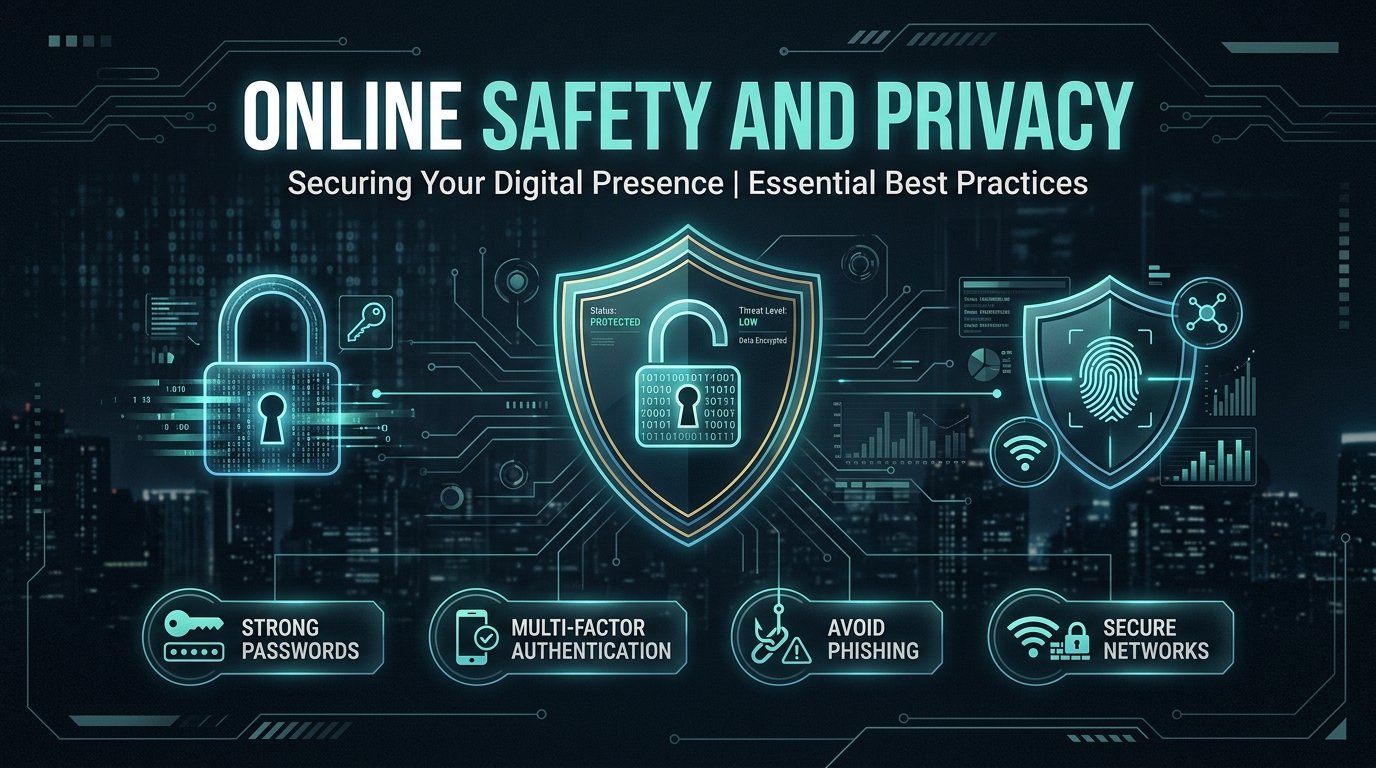
Table of Contents
A few months ago, a client came to me after losing access to her Facebook account. Someone had cloned her profile, messaged her relatives asking for "emergency" money, and by the time she noticed, two people had already sent cash. Nothing exotic happened here — no advanced hacking, no zero-day exploit. Just a reused password, an old data breach, and a few minutes of someone else's effort.
That's the part most people get wrong about online safety. They picture hackers in hoodies breaking through firewalls. In reality, most of the harm done to regular people online comes from a handful of repeatable, boring mistakes — and those same mistakes are fixable in an afternoon. This guide walks through the online safety and privacy tips that actually move the needle, based on patterns I see constantly while doing OSINT and threat intelligence work.
Why Online Privacy Actually Matters
It's tempting to think "I have nothing to hide, so why does it matter?" That framing misses the point entirely. Privacy isn't about hiding wrongdoing — it's about controlling who gets to use your information, and for what.
Every account you sign up for, every app you install, every loyalty card you scan adds a little more of you to a profile that companies, advertisers, and sometimes criminals can access. Data brokers compile this information and sell it. Breaches leak it. And once your email, phone number, or address is floating around in a leaked database, it becomes raw material for scammers — phishing emails that know your name, fake delivery texts referencing a real order, or social engineering calls that sound oddly well-informed.
I've pulled enough open-source data during investigations to know firsthand how much is publicly findable about an average person — old addresses, family members, workplace history, even patterns in daily routine — just from things people posted years ago and forgot about. That's not paranoia talking. That's the actual surface area most people are leaving exposed.
The Most Common Ways People Get Hacked or Scammed
Before jumping into fixes, it helps to understand what you're actually defending against. In my experience, almost every case traces back to one of these:
- Reused passwords: One breached site leaks your email and password. Attackers then try that same combination on banking sites, email providers, and social media — a technique called credential stuffing. If you reuse passwords, one breach becomes ten.
- Phishing links and messages: Fake login pages, fake delivery notifications, fake bank alerts. These have gotten dramatically more convincing — some now use AI-generated text that reads better than the real company's emails.
- Oversharing on social media: Vacation posts in real time tell people your house is empty. Birthday posts hand out security-question answers. Tagged location data builds a map of where you actually live and work.
- Public Wi-Fi without protection: Coffee shop networks and airport Wi-Fi are convenient, but unencrypted traffic on shared networks can be intercepted more easily than people assume.
- Outdated software: Skipped updates leave known security holes open. Most major breaches exploit vulnerabilities that already had a patch available — it just wasn't installed.
None of these require a sophisticated attacker. They require an unpatched habit.
Practical Steps to Protect Your Privacy and Security Today
Here's where most "stay safe online" articles get vague. So let's be specific.
- Use a password manager and unique passwords: This is the single highest-leverage change you can make. Tools like Bitwarden, 1Password, or even your browser's built-in manager generate and store a different strong password for every site. You only remember one master password. If one site gets breached, the damage stays contained to that one account.
- Turn on two-factor authentication (2FA) everywhere it's offered: Email, banking, and social media accounts especially. Use an authenticator app (Google Authenticator, Authy) rather than SMS codes where possible — SIM-swapping attacks can intercept text messages, but they can't reach an app on your device.
- Update your software promptly: Phones, laptops, browsers, apps — set updates to automatic wherever you can. That update notification you keep dismissing is often closing a door an attacker already knows about.
- Audit your app permissions: Go into your phone's settings and check which apps have access to your location, contacts, microphone, and camera. A flashlight app does not need access to your contact list. Revoke anything that doesn't make sense for what the app actually does.
- Use a VPN on public networks: A reputable VPN encrypts your traffic when you're on hotel, café, or airport Wi-Fi, which keeps casual interception from being trivial. It's not a silver bullet, but it closes an easy gap.
- Freeze your credit if you're in a country where that's available: It costs nothing and blocks most identity-theft attempts that rely on opening new accounts in your name.
Pro Tip: Run your email through a breach-checking site like Have I Been Pwned. If it shows up in a breach, change that password immediately — and check whether you reused it anywhere else.
How to Spot Scams and Phishing Attempts
Scammers rely on urgency and emotion to short-circuit careful thinking. The red flags repeat across almost every scam I've reviewed:
- A message creates pressure: "your account will be suspended in 24 hours," "your package couldn't be delivered, click here." Legitimate organizations rarely operate on artificial deadlines like this. Read more about identifying these indicators in our manual on online scam red flags.
- The offer is disproportionately good: a prize you didn't enter for, a job paying double market rate for minimal work, a romantic interest who falls in love within days and then needs money. If it sounds too good to be true relative to the effort involved, it usually is.
- The sender address doesn't quite match: A bank email from "support@bank-secure-verify.com" instead of the bank's actual domain is a giveaway — but check carefully, because scammers also use lookalike domains that differ by a single character.
- They ask you to act outside the normal channel: pay by gift card, wire transfer, or cryptocurrency, or move the conversation off the original platform to a messaging app. Legitimate businesses don't request gift cards as payment.
One pattern I'd add that most general guides miss: AI-generated voice and video are now good enough to convincingly impersonate a family member's voice in a short call. Learn how this operates in our deep-dive on deepfake romance scams and voice clones. If you get a panicked call asking for money, hang up and call that person back directly on a known number before doing anything.
Protecting Your Privacy on Social Media and Apps
Social platforms are designed to encourage sharing, which is exactly why they need a deliberate privacy pass.
Set your profiles to private or friends-only rather than public, especially on platforms where your full name, workplace, and daily check-ins are visible by default. Review your friends or follower list periodically — old connections you no longer recognize are unnecessary exposure.
Avoid posting real-time location. Post the vacation photos after you're home, not while your house sits empty. Disable location tagging in your camera and social apps unless you have a specific reason to use it. Underneath, a photo can also store metadata; read more about this in our digital footprint tracing write-up.
Reconsider what you put in bios and "about" sections. Full birthdate, hometown, employer, and school are exactly the data points used to answer security questions or build convincing phishing pretexts.
Lock down old accounts you no longer use rather than abandoning them. A dormant account with a weak, years-old password is still a live attack surface — either secure it properly or delete it.
What to Do If You Think You've Been Hacked or Scammed
Speed matters more than anything else here. If you suspect a breach, change the password on the affected account immediately, then check every other account where you reused that password and change those too. Enable 2FA if it wasn't already on. Log out of all active sessions through the account's security settings — most major platforms let you do this in one click.
If money was sent to a scammer, contact your bank immediately; some transfers can still be reversed or flagged within a short window. Report the incident to your country's relevant cybercrime or consumer protection authority like FTC Report Fraud. Documentation matters here — screenshots, transaction IDs, and message threads all help if you need to file a report.
And don't skip the uncomfortable part: tell the people in your circle. If your account was used to scam friends or family, a quick warning post or message stops the damage from spreading further.
Key Takeaways
Online privacy and security aren't about becoming paranoid or disconnecting from the internet. They're about closing the handful of doors that get left open by habit: reused passwords, missing two-factor authentication, oversharing, and trusting messages that create false urgency. Fix those, and you eliminate the overwhelming majority of risk an average person actually faces.
Frequently Asked Questions
What are the most important online safety and privacy tips for beginners?
Use unique passwords with a password manager, enable two-factor authentication, keep software updated, and be skeptical of urgent or too-good-to-be-true messages. These four habits prevent the majority of common account takeovers and scams.
Is a VPN necessary for everyday internet use?
Not strictly necessary on a secured home network, but highly recommended on public Wi-Fi like cafés, airports, or hotels, where unencrypted traffic is easier to intercept. A reputable VPN closes that gap cheaply.
How do I know if my personal data has been leaked online?
Check your email address on a breach-checking site like Have I Been Pwned. If it appears in a known breach, change that password everywhere you've reused it and enable two-factor authentication.
Can scammers really clone a voice or video to impersonate someone?
Yes. AI voice-cloning tools can convincingly mimic a person's voice from a short audio sample. If you get an urgent call asking for money, hang up and call the person back on a number you already know is theirs.
Should I make my social media accounts private?
For most people, yes. Public profiles make it easy for scammers and strangers to gather details used in phishing, impersonation, or stalking. Friends-only visibility significantly reduces that exposure with minimal downside.
Passionate OSINT investigator and cybersecurity professional with over 3 years of experience. Expertise in web penetration testing, background checks, fraud detection, and uncovering digital fingerprints. Providing verified truth in the digital shadows.
Need a
ProfessionalInvestigation?
If this case sounds familiar, I can help. Get a confidential consultation today.